
Back to all articles
How to remove Atlassian's Jira plugin from Microsoft Excel
 Tim Gaunt
Have you installed Atlassian's Jira plugin for Excel and got frustrated with it opening on every spreadsheet? Fear not, here are some quick step-by-step instructions on removing it from Excel:
- Click "Add-ins" in the Excel toolbar ribbon:
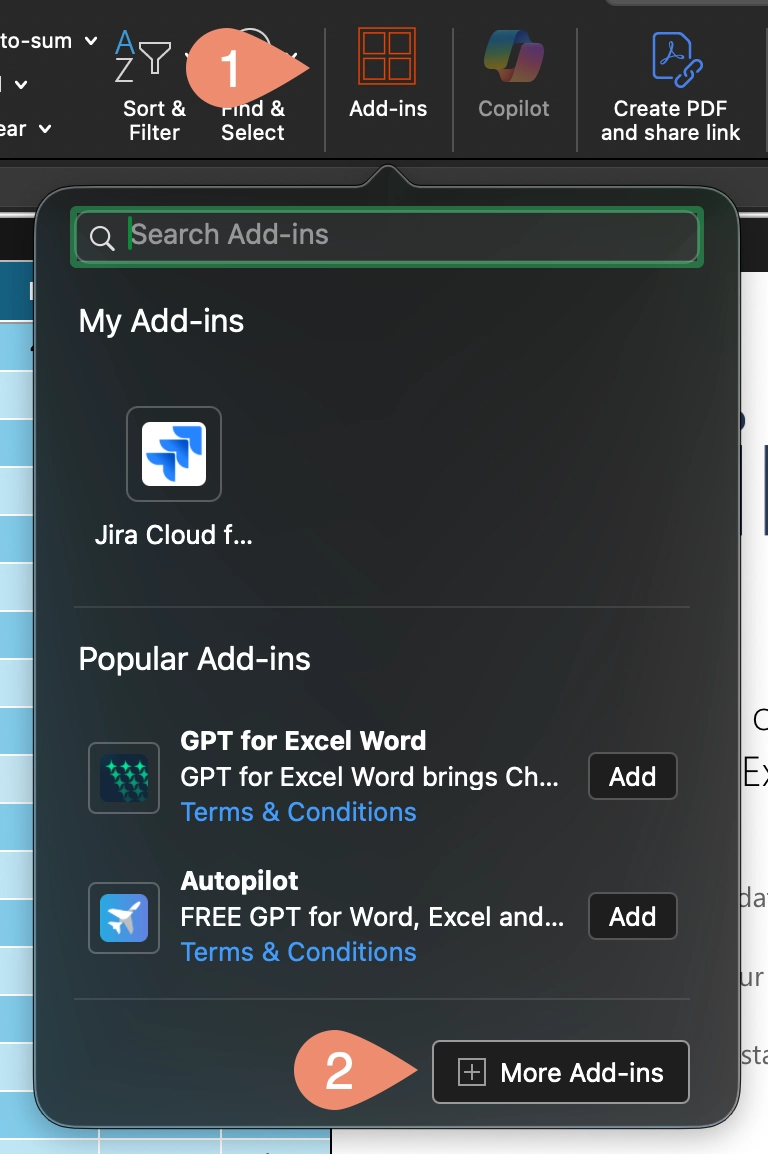
- Click "My Add-ins":

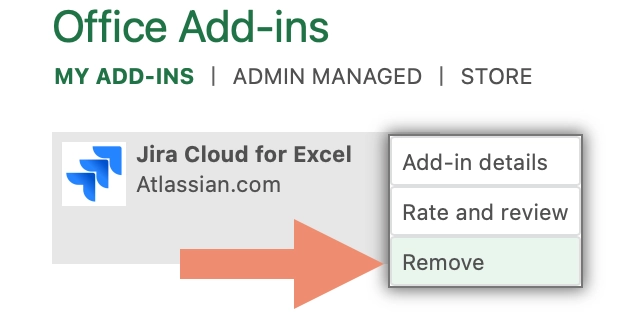
- You should see "Jira Cloud for Excel" there (if not check "Admin Managed"), click the three dots in the top right corner:

- Click "Remove" from the menu
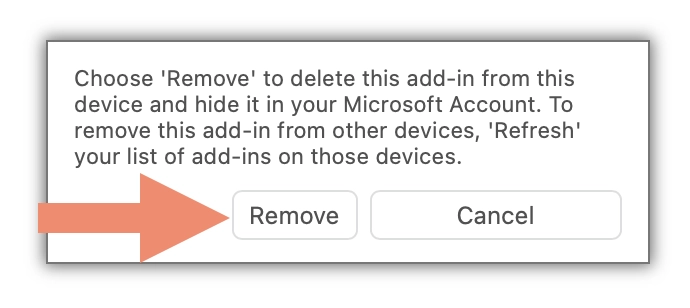
- Click the "Remove" button:
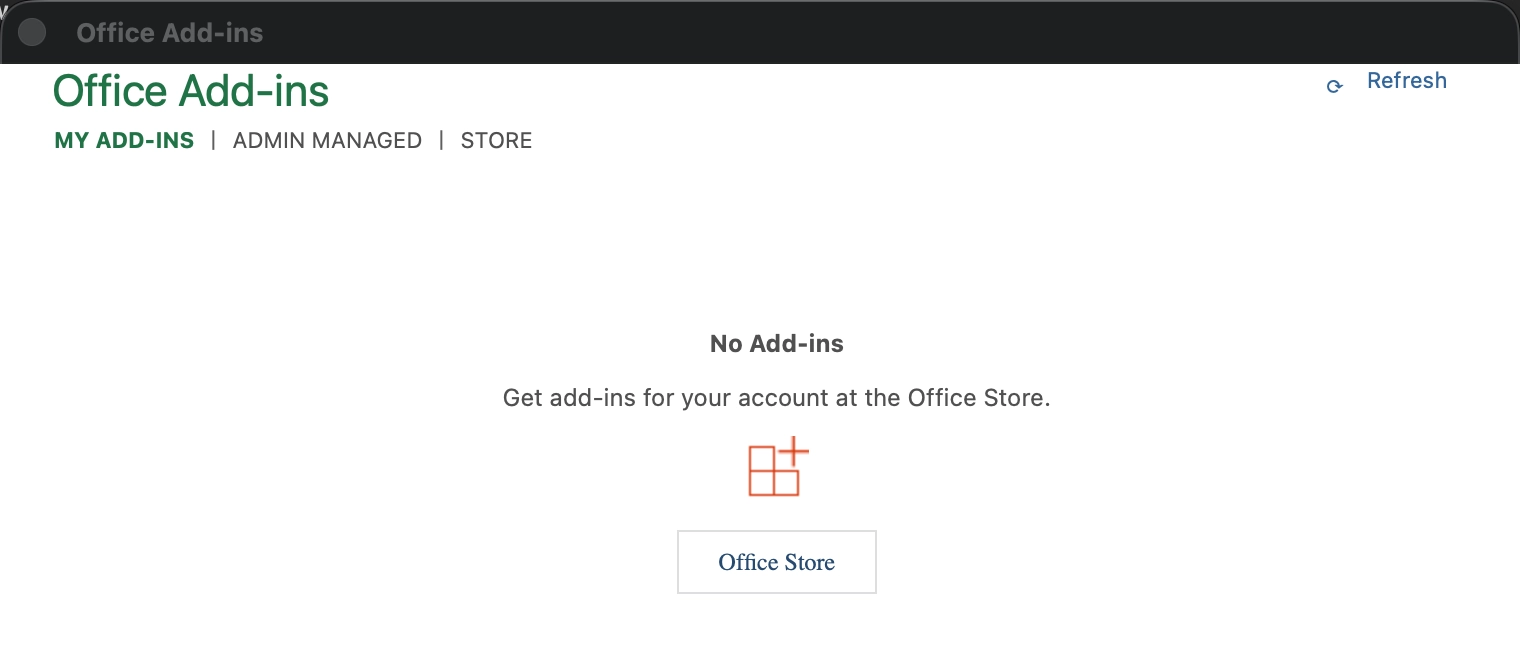
- You're done, no more annoying overlay window each time you open an Excel file:
I hope that helps others.